How Do I Market a New Provider Who Just Joined My Practice?
Last updated: November 13, 2026 · By Kayce Sadler, Founder & CEO, Abode Marketing
A new provider fills their schedule faster when patients can find them by name, by specialty and by location in the first few weeks. That means a real bio page on your website, updated directory and insurance listings, a decision about whether they get their own Google profile, and telling your existing patients and referral sources they’ve arrived.
Key takeaways
- Publish a provider bio page with photo, credentials, focus areas and booking link before their first day.
- Update insurance directories and provider listings early, since they can lag.
- Decide whether the provider qualifies for their own Google Business Profile under Google’s rules.
- Tell existing patients and referring physicians, because they’re the fastest source of first appointments.
- Watch new-patient appointments by provider weekly for the first three months.
What needs to be ready before the provider’s first day?
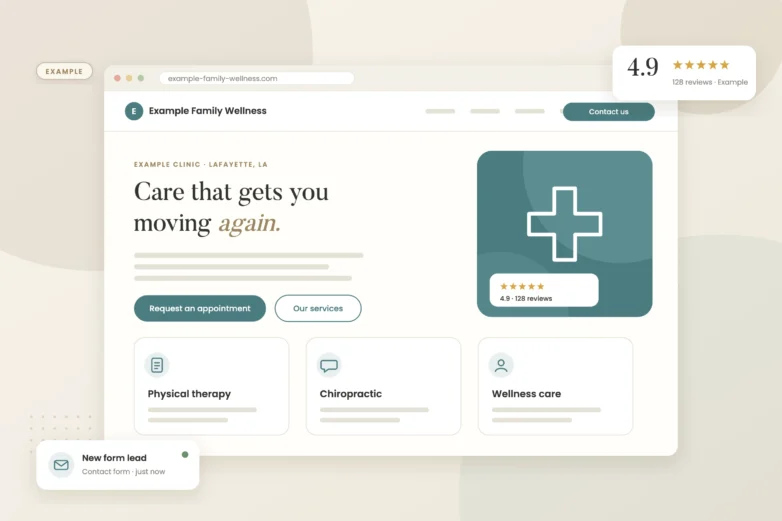
- Bio page. Name, credentials, photo, education, conditions they treat, languages and a booking button. Patients search provider names, so this page often ranks for them quickly.
- Booking availability. Make sure the provider’s open slots show in your online scheduler.
- Insurance and network directories. Submit updates to the plans you accept. These can take weeks to appear.
- Healthcare directories. Claim or create the provider’s profiles on the directories your patients use.
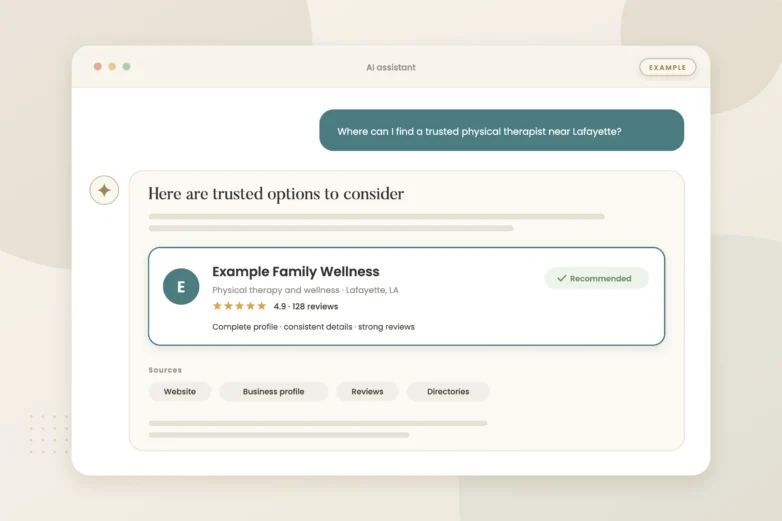
- Schema markup. Add Physician or similar markup to the bio page so search engines and AI tools connect the provider to your practice.
Should a new provider get their own Google Business Profile?
Google allows individual practitioner profiles in some cases, such as a provider who is public-facing and has their own patients. The rules differ for solo and multi-provider practices, so read the guidelines before creating one. A separate profile can help a provider show up when patients search their name, but it also means another profile to keep accurate and another place to earn reviews. We covered the trade-offs in separate profiles for each doctor.
Who should hear about the new provider first?
| Audience | How to reach them |
|---|---|
| Existing patients | Email or patient portal message, front desk mentions, waiting room signage |
| Referring physicians | A short letter or visit with the provider’s focus areas and how to refer |
| Local community | Google Business Profile post, social posts with the provider’s photo, local press release |
| Patients on a wait list | Direct call or message offering earlier appointments |
Here’s my take: the waiting list and the referring physicians are the quickest wins. A practice that calls its wait list the week a new provider starts often fills the first few weeks of the calendar without any advertising.
What should the announcements say?
Keep it factual and patient-focused: who the provider is, what they treat, where they see patients, and how to book. Avoid claims about outcomes. If the provider brings a focus your practice didn’t offer before, lead with that, since it gives patients a reason to book rather than just a reason to notice.
How do I know it’s working?
Track new-patient appointments by provider each week, and ask new patients how they found the practice. If a provider’s schedule is still thin after a month, check whether their slots actually show online and whether their bio page is indexed in Google. Those two gaps account for many slow starts.
What we’d check first
We’d check whether the provider’s bio page is indexed, whether their slots show in online booking, whether directory listings are updated, and how they appear when a patient searches their name.
If you’d like a second set of eyes, our free visibility audit covers this and shows where you stand on Google, Maps and AI search.
More owner questions we’ve answered: Online booking and new patients · Are healthcare directories worth it? · Reducing new-patient no-shows
Frequently asked questions
How long does it take a new provider’s schedule to fill?
It varies widely. Practices that publish the bio page, update directories and call their wait list before day one usually see the schedule fill faster.
Should a new doctor have their own website?
Usually not. A strong bio page on the practice website keeps patients and search signals in one place.
Can a new provider get their own Google Business Profile?
Sometimes. Google allows individual practitioner profiles in certain situations, so check the guidelines for multi-provider practices first.
Should we run ads for a new provider?
Only after the basics are in place. Ads send people to the bio page and booking, so those need to work first.
What should a provider bio page include?
Photo, credentials, education, conditions treated, languages, locations, insurance accepted and a booking button.
Sources
- Google Business Profile Help: Guidelines for representing your business on Google — Individual practitioner profiles
- Schema.org: Physician — Markup for provider pages
- MGMA Stat: Meeting pressure on patient digital self-scheduling — Online booking expectations