Opening a Second Location? How to Set Up Google, Pages and Reviews
Last updated: November 13, 2026 · By Kayce Sadler, Founder & CEO, Abode Marketing
Give the new office its own Google Business Profile with its own address, phone number and hours, build a dedicated page for it on your website, and start collecting reviews for that location from day one. Don’t move your existing profile to the new address, and don’t wait until the doors open to start. Verification and indexing take time.
Key takeaways
- Each staffed location with its own address and hours can have its own Google Business Profile.
- Give each location a local phone number that rings there, or at least is unique to it.
- Build a location page on your site and link each profile to its own page, not the homepage.
- Reviews belong to one location. A new profile starts at zero, so plan how you’ll ask.
- Keep both locations’ details consistent on Apple Maps, Bing and directories.
Does a second location get its own Google Business Profile?
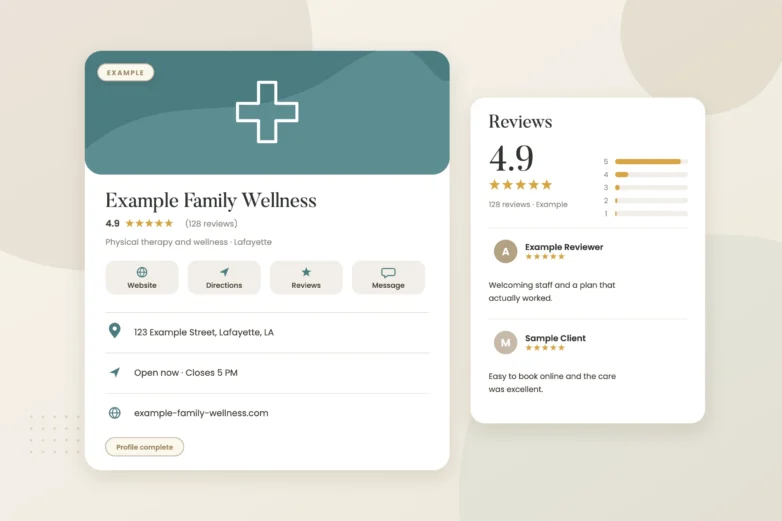
If it’s a real, staffed location with its own address and hours where you serve customers, yes. Google’s guidelines allow one profile per location. What they don’t allow is a profile for a mailbox, a virtual office or a space you don’t staff during the hours you list. Expansion offices that are “by appointment” with nobody there are the ones that get suspended.
Under the same account you manage your first profile, add the new location, then verify it. Expect Google to want video verification for the new address, so have signage up and the space set up before you film.
What’s the setup order?
- Lock in the details. Final address with suite, a phone number for that office, hours and the primary category.
- Put up signage. Permanent signage with your business name helps verification and helps customers.
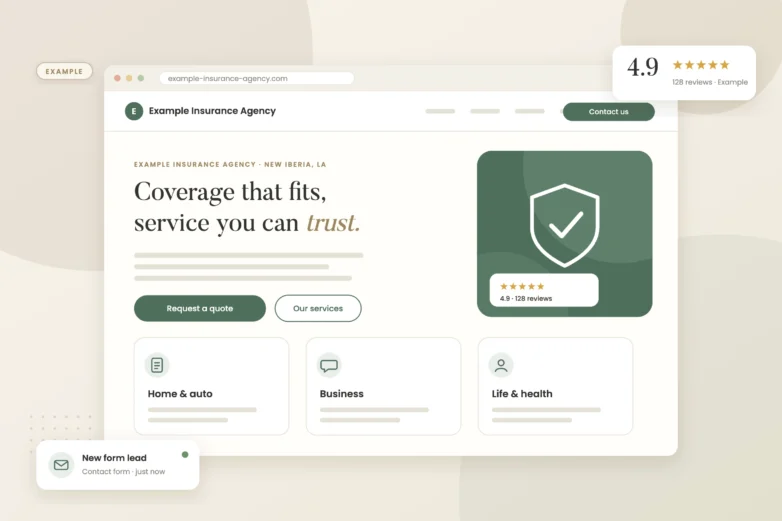
- Build the location page. A page on your website for that office with its address, phone, hours, map, photos, team and the services offered there.
- Create and verify the profile. Link it to the new location page.
- Claim Apple Maps and Bing. Add the location on Apple Business Connect and Bing Places with matching details.
- Start reviews. Send review requests from that location’s clients to that location’s profile.
What mistakes cost businesses rankings when they expand?
| Mistake | What happens | Do this instead |
|---|---|---|
| Changing the original profile’s address to the new office | The original city loses its listing and history goes with the move | Keep the original and add a new profile |
| Same phone number on both profiles | Google may treat them as duplicates | Give each location a distinct number |
| Both profiles link to the homepage | Neither location has a page that matches it | Link each to its own location page |
| Copy-paste location pages | Thin, near-identical pages that don’t rank | Write each page about that office and area |
| Asking all clients to review the main office | The new profile stays empty | Route requests by location |
How do we get the new location reviewed fast without breaking rules?
Ask every client served at that location, every time, with a direct link to that profile. Don’t move reviews from the old profile, which isn’t possible anyway, and don’t ask friends or staff to review it. Here’s my take: a new location with steady, genuine reviews arriving each week will usually start showing in the map pack faster than one that gets twenty reviews in its first weekend and then nothing.
What about service-area businesses adding a new territory?
If you’re expanding where you work but not opening a staffed office, you don’t get a second profile. Add the new areas to your existing profile’s service area, build pages about the work you do there, and earn reviews from those customers. A second profile for an address you don’t staff breaks Google’s guidelines.
What we’d check first
We’d confirm the new office meets Google’s eligibility rules, plan the phone and URL structure for both locations, and draft a location page that’s written about that office instead of copied from the first.
If you’d like a second set of eyes, our free visibility audit covers this and shows where you stand on Google, Maps and AI search.
More owner questions we’ve answered: Can I rank where I don’t have an office? · How do I fix a duplicate profile? · Showing up on Apple Maps and Bing
Frequently asked questions
Can two locations share one phone number?
It’s better not to. Google may see two profiles with the same number as duplicates. Give each location its own number.
Will my reviews carry over to the new location?
No. Reviews stay with the profile they were left on. The new location starts fresh.
Can I open a Google profile before the office opens?
You can set it up with an opening date, but verification usually needs the signage and space to be real, so plan for that.
Do I need a separate website for the new location?
No. One website with a page for each location is usually stronger than separate sites.
Should both profiles use the same business name?
Yes, use the same real business name on both. Don’t add the city to the name unless it’s part of your actual signage.
Sources
- Google Business Profile Help: Guidelines for representing your business on Google — Eligibility, one profile per location, service-area rules
- Google Business Profile Help: Verify your business on Google — Verifying a new location
- Google Maps Help: Maps user-contributed content policy — Rules for asking for reviews